Style Guide
Notif is a minimalist Ghost theme by PeopleThemes, built for personal bloggers who want a clean, content focused layout.
Headings
When creating a heading, just add a # before your text, or use the contextual toolbar. Keep adding up to six # in a row to make the heading smaller.
Heading 1
Heading 2
Heading 3
Heading 4
Heading 5
Heading 6
Bookmarks
When using a URL with the right meta information, it can show the page title, excerpt, author, publisher and even a preview image. This is a great way to share links from sites that don't have automatic embeds.

Headers
Make a statement with bold section headers in your posts and pages. Insert a header card to add a full width divider that can include a title, subheading, accent color or image background, and a button.
Quotes
You can make quotes stand out with two types of blockquote styles that can be applied directly in the editor.
"The future belongs to those who prepare for it today." — Malcolm X
"You can't win unless you learn how to lose." — Kareem Abdul-Jabbar
Audio
it's possible to upload audio files directly to your posts! This means you can share audio content with your audience, with a beautiful media player that nests into your posts and emails seamlessly.
Videos
Embed videos from platforms like YouTube and Vimeo, or you can now upload videos to your content in Ghost. Once uploaded, your video content renders in a beautiful video player. Videos can be set to loop, have their own custom thumbnails, and display in three different widths using the editor toolbar.
Images
Once you start mixing text and image cards creatively, the whole narrative of the story changes. Suddenly, you're working in a new format.
Regular

Wide

Full

List
Our main focus in building the Ghost editor is to try and make as many things that you hope/expect might work: actually work.
Unordered List
- Item one
- Item two
- Item three
Ordered List
- First step
- Second step
- Third step
Gallery
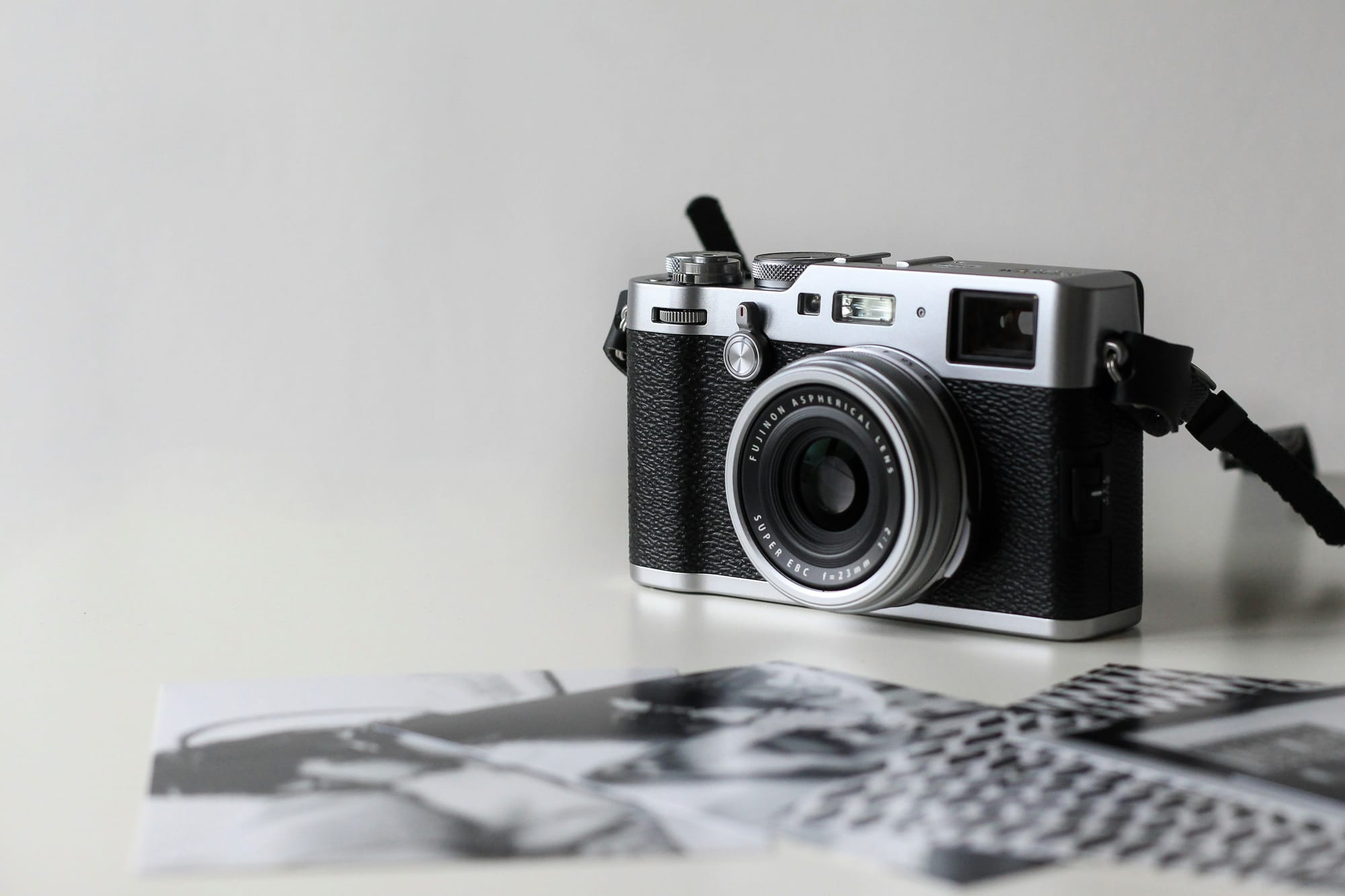
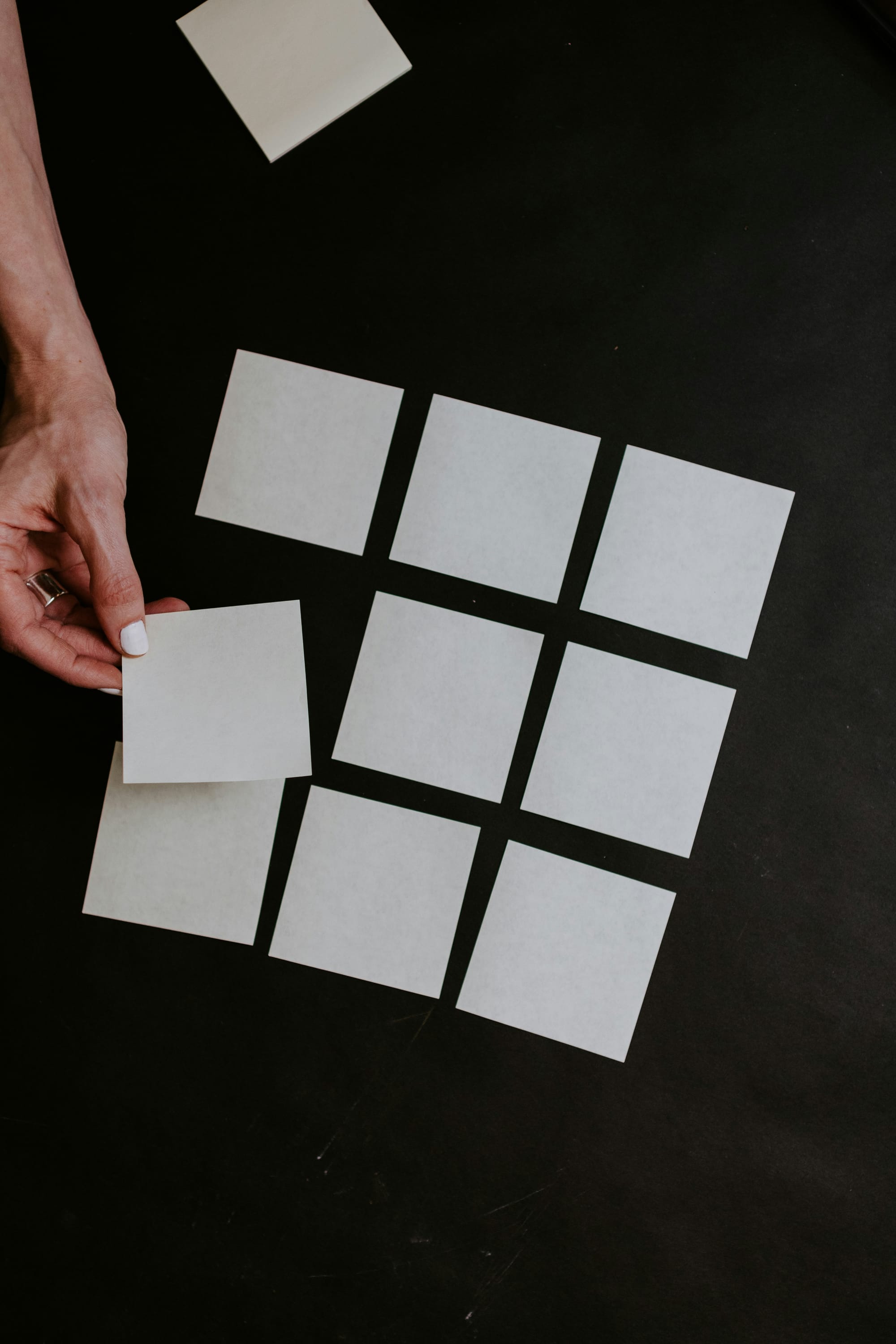
As it turns out, sometimes pictures and a thousand words go together really well. Telling people a great story often has much more impact if they can feel, even for a moment, as though they were right there with you.





Buttons
Add call-to-action buttons to your posts using button cards. Buttons can be center or left aligned, include custom button text, and link to any URL.
Highlighting
Highlighting text can help bring important information immediately to the reader's attention. To create it, just add `==` before and after your text:
Highlighted text looks like this
File Uploads
Following audio and video cards, you can also add downloadable files to your posts. Files display with a custom name and caption, so readers know exactly what they're getting before they download.

Toggles
Use the Toggle card to create collapsible sections of text in your posts and pages. Great for creating distinct sections in your content, or adding an FAQ section.
When should I use Toggles?
Use Toggles for simple on/off options in a Ghost theme, such as showing or hiding optional elements.
Where can I preview the Grid theme?
Visit peoplethemes.com to preview the Grid theme.
Callouts
Ever find yourself wanting to add extra styling to important information in your posts? Well, now you can with callout cards. Each callout card can include an emoji, any length of text with styles and links, and a custom background color.
Products
Display products beautifully with custom content including an image, description, button or rating, so you can add your favorite recommendations to any post...
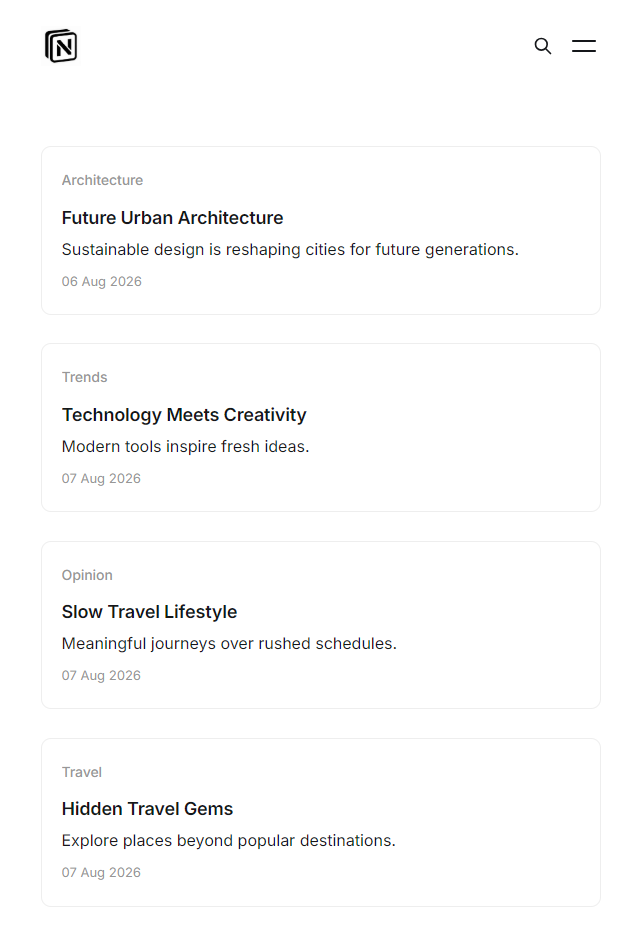
Notif
Grid is a clean, image-based Ghost theme for visual-first publishing, showcasing photography, design, and everyday moments like a feed. No clutter, no dense metadata, just the work, front and center.
Call To Action Cards
Promote a product, sponsor, or your own offer with a dedicated CTA card — image, description, and a button, all in one block.
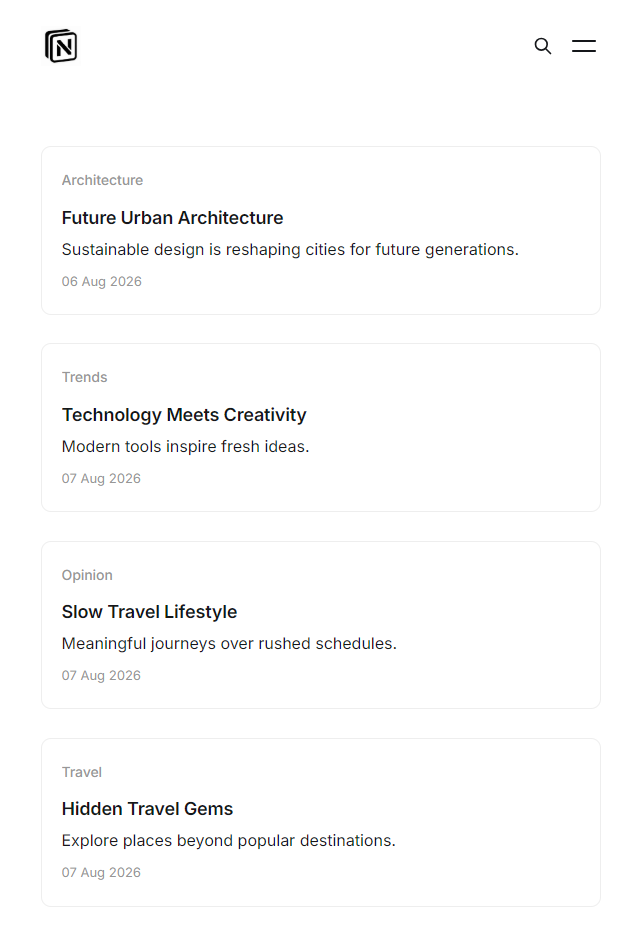
Get full access to every Notif theme update, future releases, and priority support.
Embeds
Youtube
Soundcloud
Unsplash
